AllySurvey 2.85: The Accessible Theme for LimeSurvey Reaches a Milestone
The accessible, standalone theme for LimeSurvey 6/7 now includes new administration options. The goal: to customize a questionnaire without modifying the template's code.
Session Management
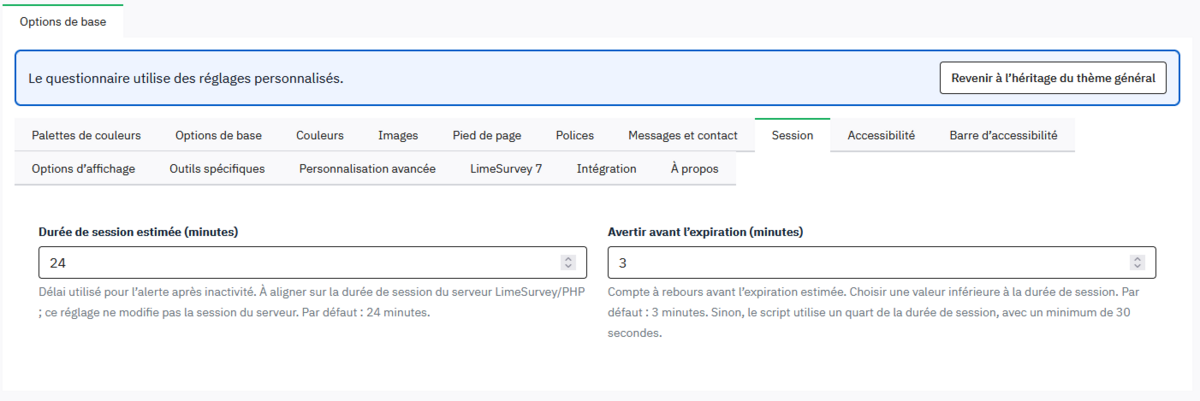
The session duration and the warning time before expiration can be set directly in the theme options.
Options in the administrative language
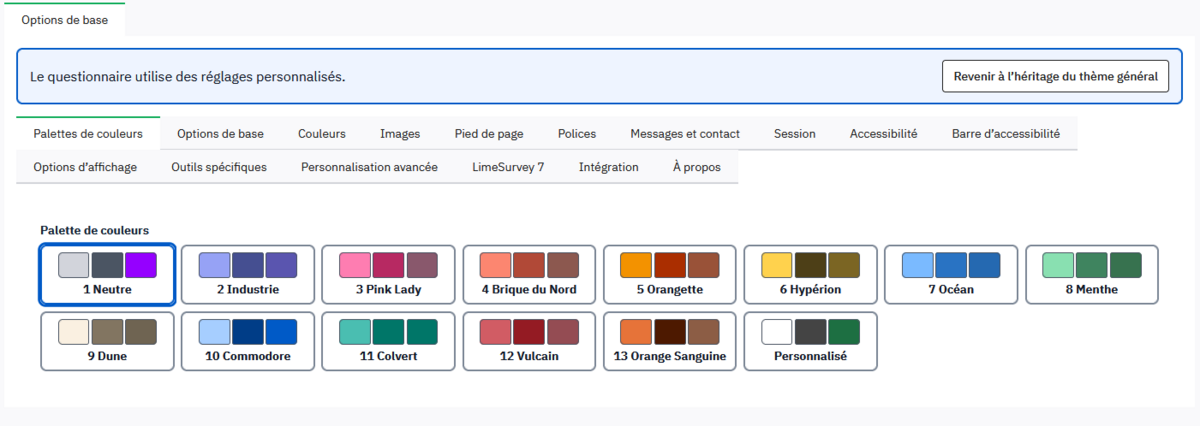
The theme settings adapt to the language of the LimeSurvey administration interface. The new labels are available in French.
Personalized Messages
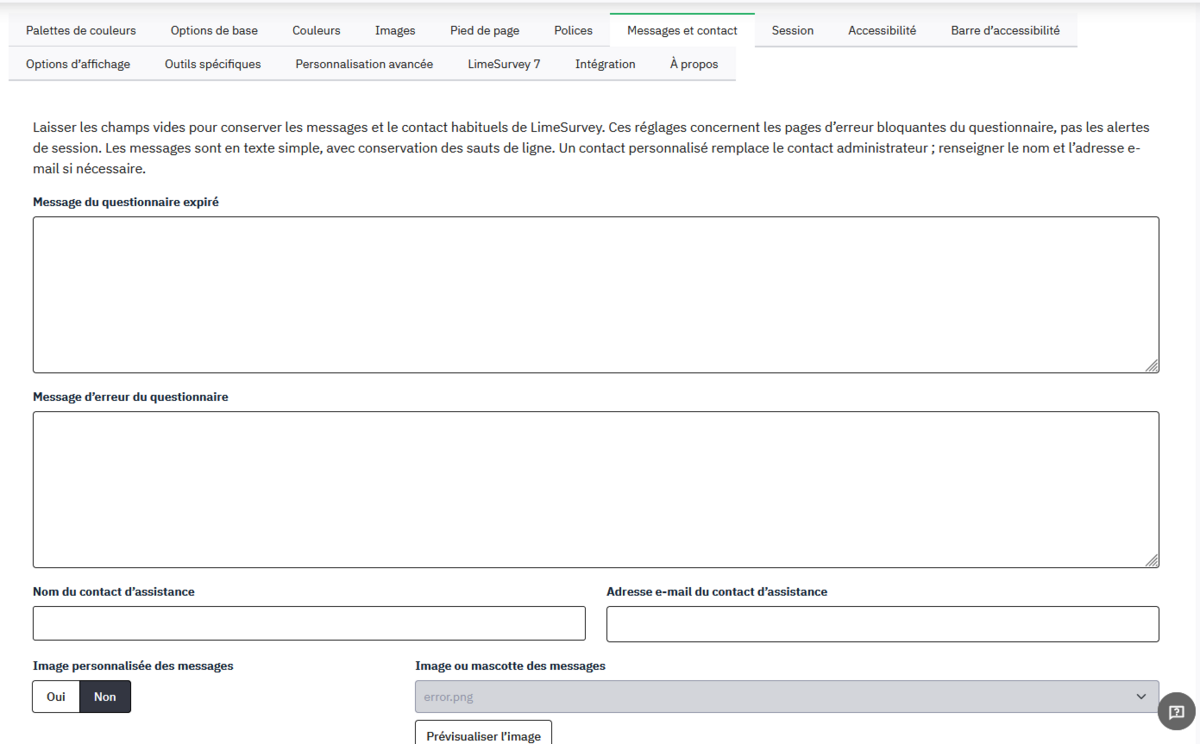
It is now possible to directly define:
- the message displayed when a survey is closed;
- a custom error message.
This feature is particularly useful in specific situations. For example:
“Due to a high volume of submissions, the survey has been temporarily suspended. Please check back in a few days. ”
There’s no longer any need to add a specific condition or hard-code this text into a Twig file in the theme.
Separate Support Contact
The name and email address of the support contact can be different from those of the survey administrator.
Choosing the font and sizes for H1, H2, and paragraphs
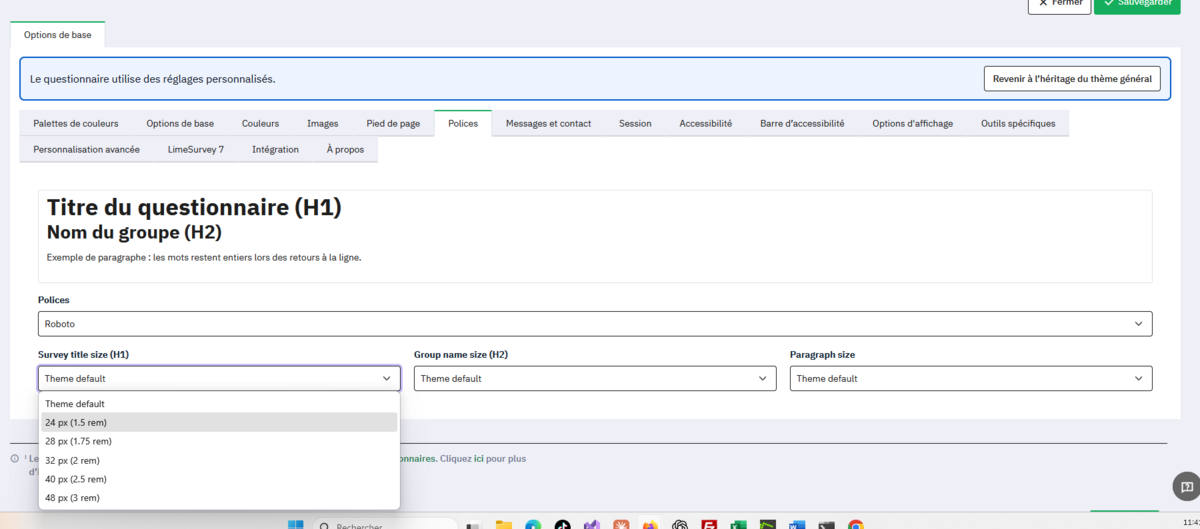
Selecting the font and the sizes of the H1 and H2 headings and paragraphs.
Managing Images from the Options Menu
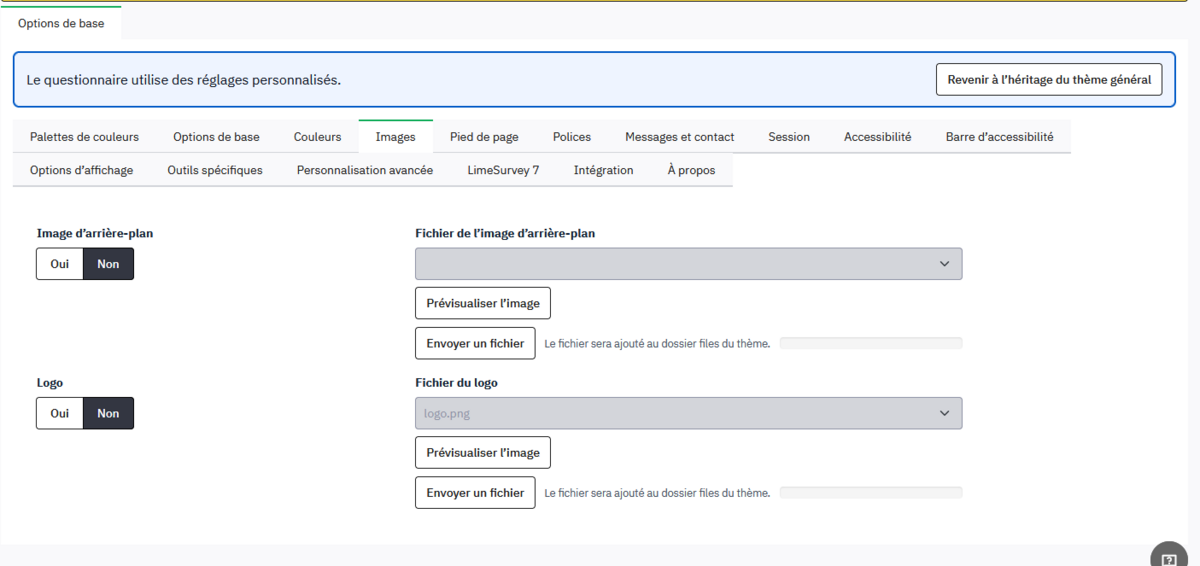
Logos, background images, footer illustrations, or images associated with posts can be uploaded directly from the theme settings.
Generating an iframe embed code
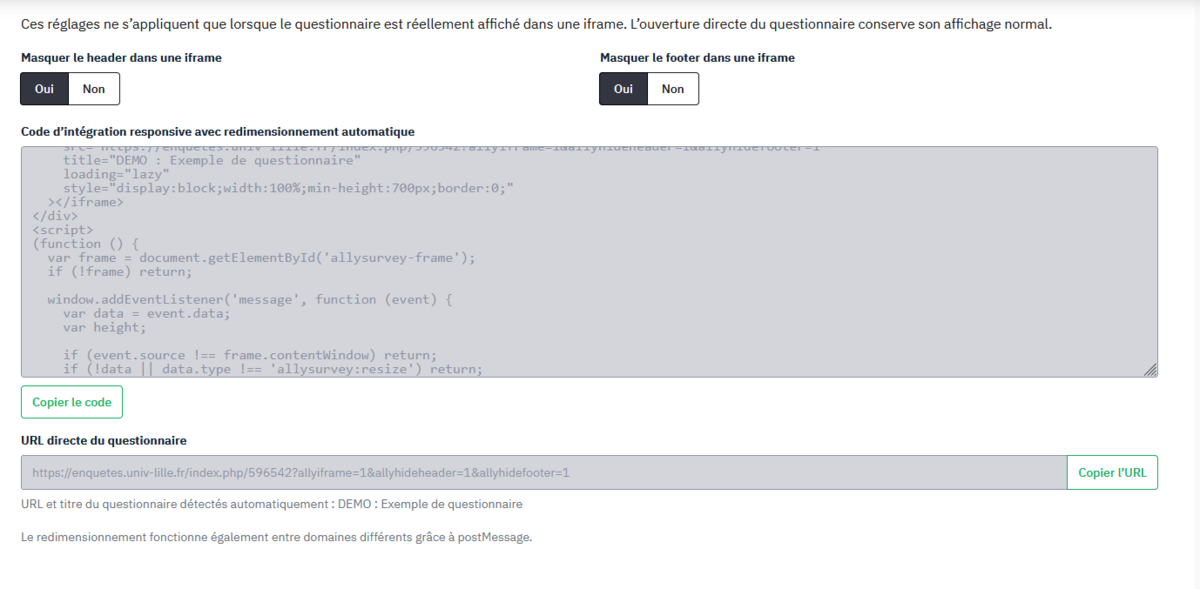
AllySurvey 2.85 also makes it easy to embed a survey on another website by generating an iframe code that’s ready to copy and paste.
The goal remains the same: to make LimeSurvey easier to administer, more flexible to customize, and, above all, more accessible, while minimizing technical changes made directly to the theme files.
Small administrative features that can save you a lot of time every day!
➡️ More info on GitHub: github.com/LecerfRaphael/AllySurvey2.85