LimeSurvey: More Accessible, More Self-Sufficient
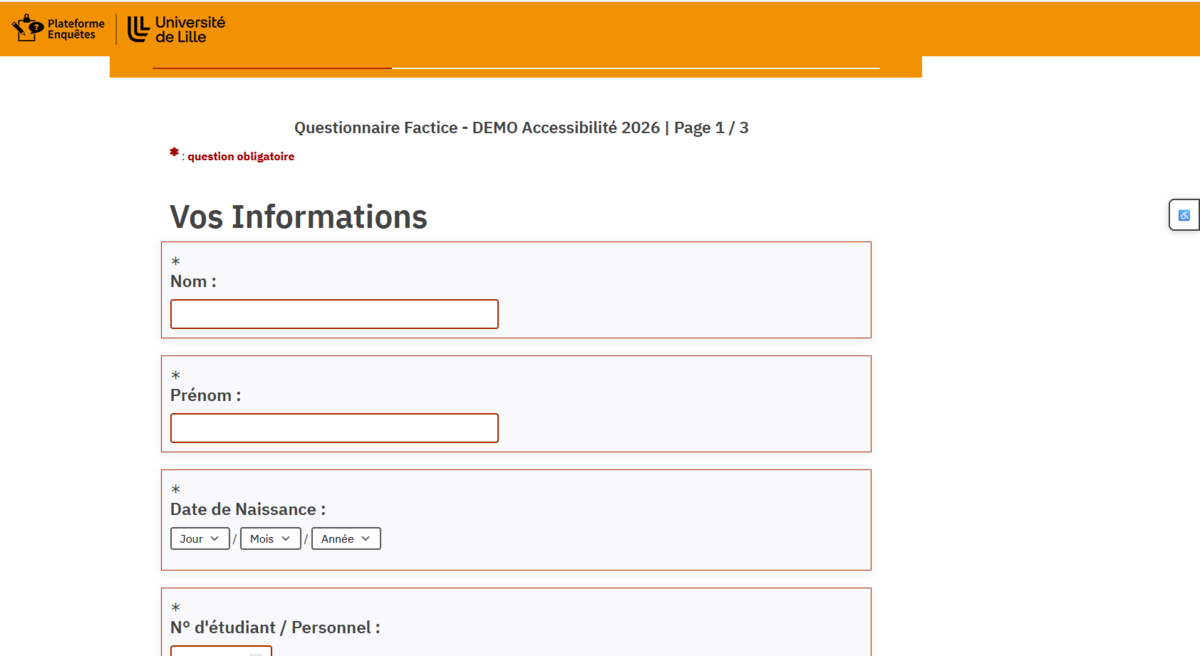
The standalone AllySurvey V2.85 builds on the foundation of version 2.76 with enhanced compatibility with LimeSurvey 7, easier customization, and new readability features designed in accordance with RGAA 4.1 and WCAG 2.1 A/AA best practices.
![[Translate to English:] Visuel du modèle de Template LimeSurvey version 2.85](/fileadmin/user_upload/enquetes-etablissement/images/visuel-LimeSurvey_template2.85.png)
Key New Features in the AllySurvey 2.85 Theme for LimeSurvey
This version is now a standalone, much more comprehensive distribution: it covers more LimeSurvey views, improves the behavior of modern components, and gives questionnaire creators more control.
LimeSurvey 7-specific layer
Bootstrap 5 compatibility, data-bs-* attributes, PJAX updates, and improved stability for modals, navigation, and progress indicators.
Fully standalone package
The standalone version no longer depends on fruity_twentythree. Importing is simplified on a target instance.
LS7-compatible palettes
The themecolor key is supported by the React editor, with stable saving and a synchronized preview.
Luciole and OpenDyslexic
Fonts are published via the LimeSurvey asset manager to prevent loading errors and ensure reliable activation.
Indicative diagnostics
RGAA/WCAG diagnostic tools and a developer mode make it easier to identify common issues in preview mode.
Extended Twig views
The theme supports more pages: privacy, messages, print, r Translated with DeepL.com (free version)
Color palettes that are easy to choose and truly long-lasting
![[Translate to English:] selecteur de couleurs dans la palette](/fileadmin/_processed_/1/2/csm_choix-couleurs_760670f28c.png)
Version 2.85 offers an expanded selection of color palettes with thumbnails, previews, and permanent saving at the questionnaire level
A customizable visual identity
Survey administrators and owners can quickly select a consistent color scheme without losing their settings after saving.
- Compact and easy-to-understand thumbnails
- Synchronized preview in the iframe
- Preservation of custom colors
- Compatibility with older configurations
A fully customizable footer
Logo, support, and useful information
The footer can include the institution’s logo, a support link, the theme version, and contact information. Links that open in a new window can be clearly labeled.
- Customizable HTML area
- Select or upload a logo
- Standardized institutional notices
- Clear information about external links
![[Translate to English:] visuel contenu du footer configurable](/fileadmin/_processed_/c/3/csm_footer-configurable_b491397f0a.png)
An accessibility bar that can be configured via a questionnaire
![[Translate to English:] gestion des outils de la barre d'accessibilité](/fileadmin/user_upload/enquetes-etablissement/images/accessibility-toolbar.png)
![[Translate to English:] Boite d'accessibilité questionnaire](/fileadmin/user_upload/enquetes-etablissement/images/box-accessibilite.png)
![[Translate to English:] réglages de la barre d accessibilité](/fileadmin/user_upload/enquetes-etablissement/images/accessibility-toolbar2.png)
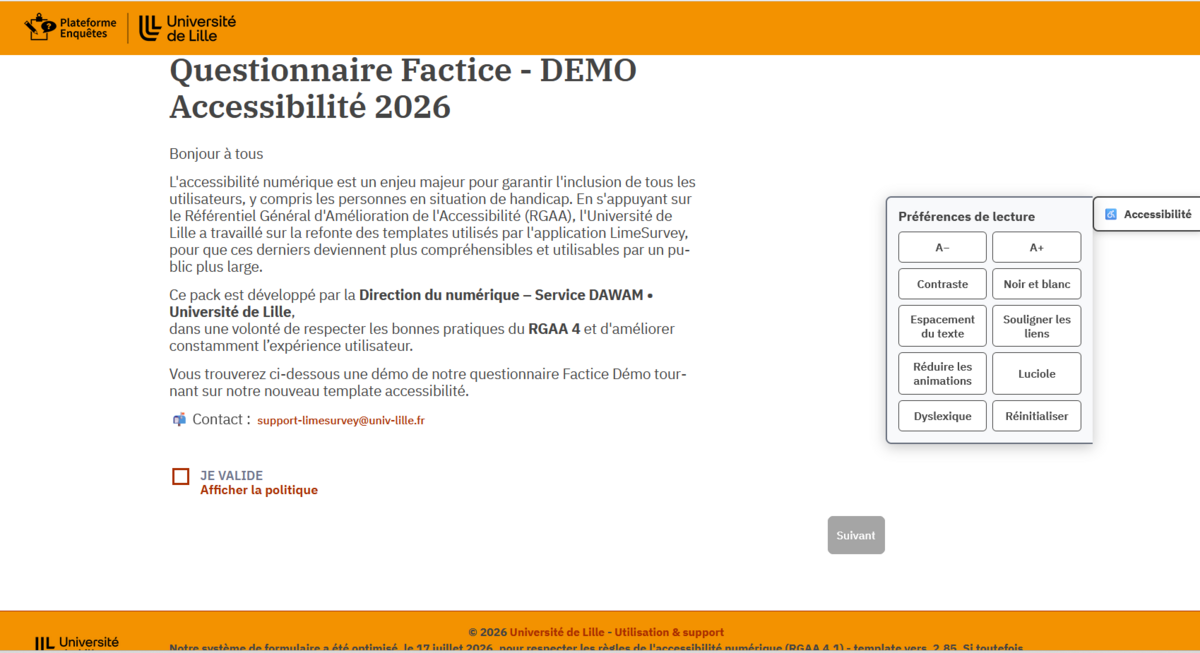
Each feature can be enabled or disabled in the theme options and then used directly by the respondent.
- Respondents can adjust text size and spacing to improve readability.
- Enhanced visual modes improve the perception of content and interactive states.
- Visible focus, status areas, and better-structured messages facilitate use without a mouse and with a screen reader.
An upgrade that benefits all users
For respondents
Improved readability, more visible focus, more consistent keyboard navigation, comfort options, and clearer screen reader feedback.
For creators
Persistent palettes, a more reliable preview, indicative diagnostics, structured options, and simplified institutional customization.
For administrators
Standalone package, enhanced LS7 compatibility, more comprehensive documentation, and deployment without dependence on a parent theme.
Four-step installation of the LimeSurvey Theme
Import the archive
Add the standalone theme ZIP file via the LimeSurvey theme editor.
Enable AllySurvey
Select the V2.85 theme in the survey settings.
Reset options
After an upgrade, reset the options and clear the LimeSurvey and browser caches.
Test the survey
Check keyboard support, screen readers, 200% zoom, mobile compatibility, contrast, layouts, and complex questions.
Questionnaire demo: https://enquetes.univ-lille.fr/index.php/396273
More information on the dedicated GitHub page: https://github.com/LecerfRaphael/AllySurvey2.85